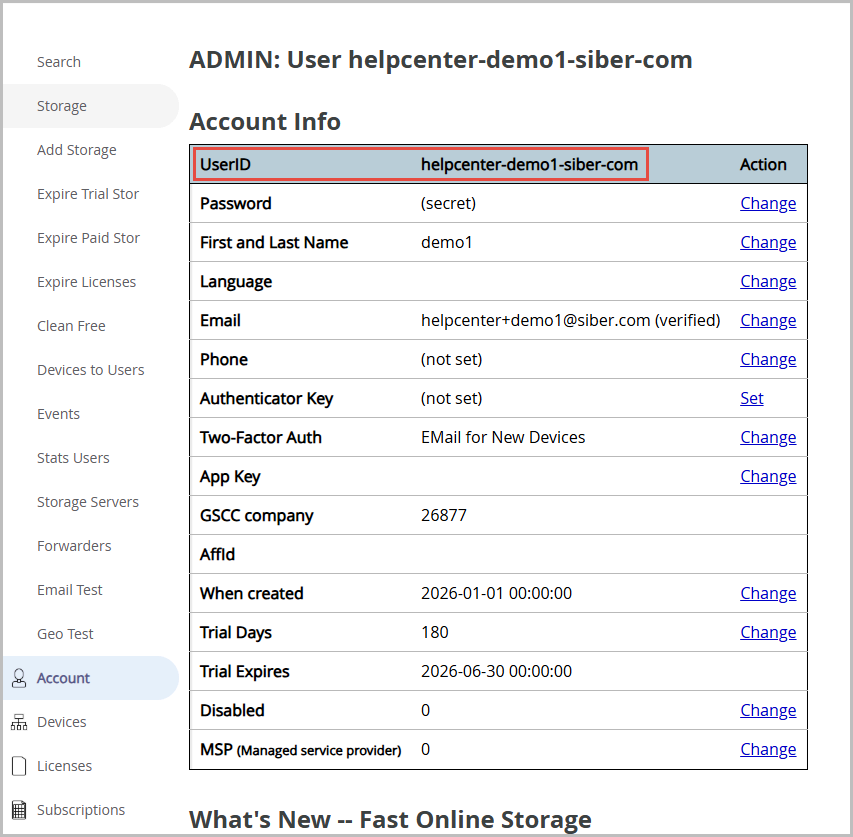
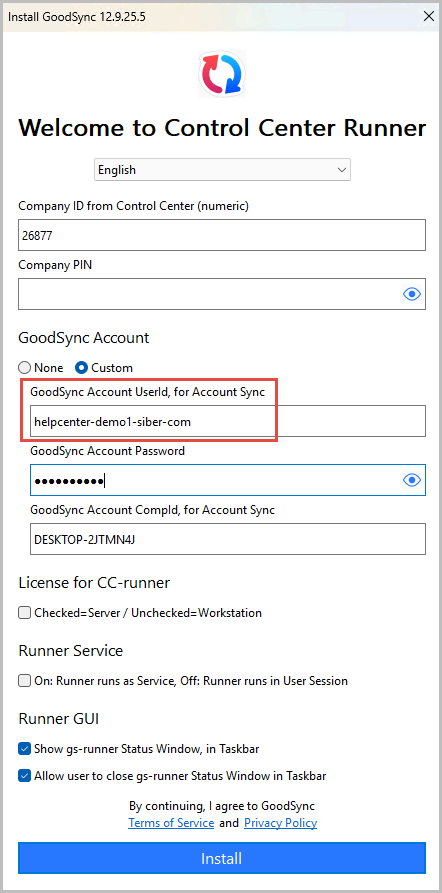
All GoodSync Control Center Runner installations require GoodSync Account credentials from a Control Center administrator who is associated with the correct Control Center Company ID.
This information must be entered during the initial Runner installation under the Custom section.
If you are installing the Runner using the command line, follow the instructions here: User Setup (Windows)
- Run the GoodSync Control Center Runner installer (select Yes to allow
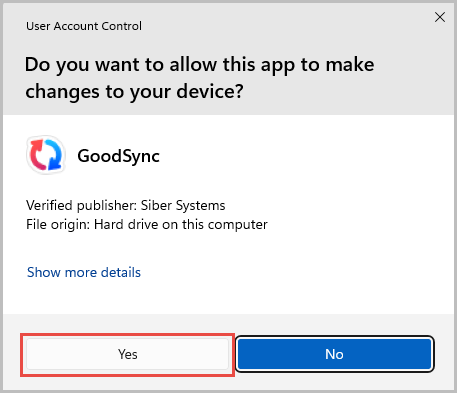
-
In the GoodSync Account UserId field, make sure to use the GoodSync UserID as seen in the GoodSync account online. To verify the UserID, log in to the GoodSync admin account here: https://www.goodsync.com/manage/login