Your GoodSync Account is used to:
- Manage your GoodSync licenses, register and activate devices.
- Use GoodSync Transfer Protocol (GSTP) to connect your devices.
- Use GoodSync Cloud Storage (GSCS) to store your files.
To create your new GoodSync account online:
1) Go to the GoodSync Account creation page. This page can also be accessed by going to the GoodSync web page, clicking "Log In" in the upper right corner, and then clicking "Create New Account" under the login fields.
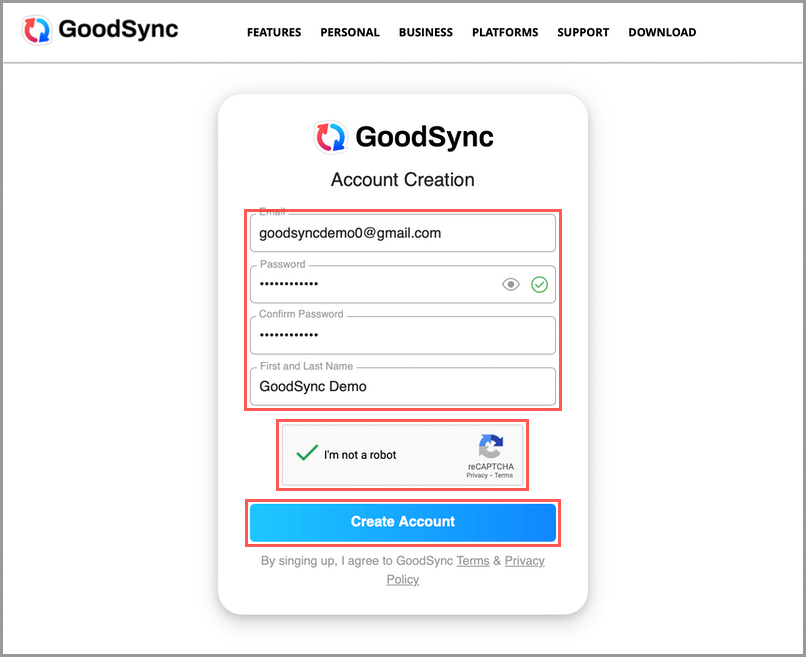
2) Enter the email address you wish to use with your account, a secure password and its confirmation, and your full name. Next, solve the captcha and click "Create Account" to create your GoodSync Account.
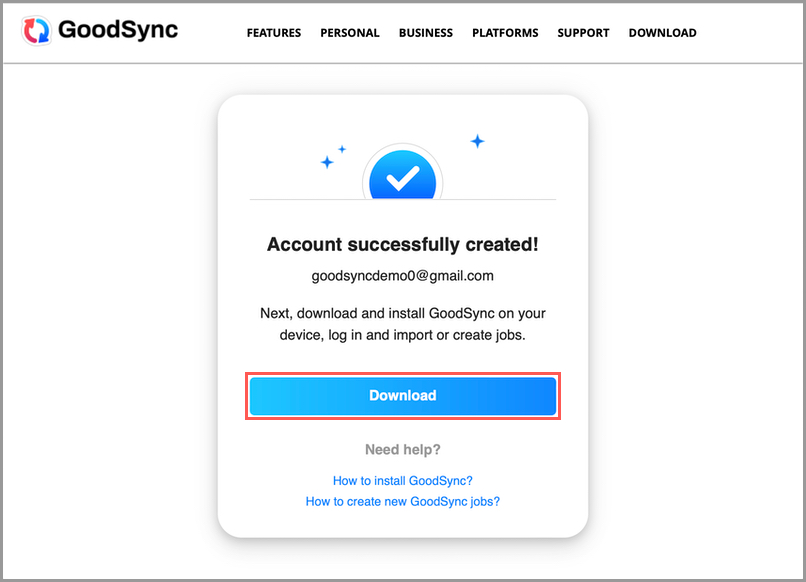
3) Once your GoodSync account is created, you will be redirected to the confirmation page. Click "Download" to download the GoodSync application if you have not already.